

CCTV vs. IP Cameras
What the difference means for a business camera system
"CCTV" is often used for any camera system, but it properly means the older analog kind: cameras that send a video signal down a coaxial cable to a recorder. IP cameras are network devices. Each one is a small computer that captures, compresses and sends digital video over the same kind of cabling as your computers and phones.
Nearly every new commercial system is IP. The useful questions for a business are what an IP system does that an analog one cannot, and what to do with an analog system that is already on the walls.
Side by side
| Analog CCTV | IP cameras | |
|---|---|---|
| Signal | Analog video over coaxial cable | Digital video over the data network |
| Resolution | Standard definition on older systems; up to about 4K with HD-over-coax | 2 megapixels to 4K and beyond, including multi-sensor and 360-degree cameras |
| Cabling | Coax for video plus a separate power cable | One network cable carries video, power (PoE) and control |
| Recording | DVR; every camera wired back to it | NVR or server anywhere on the network, or cloud |
| Detection | Basic motion detection | Person, vehicle and license plate detection, with searchable events |
| Remote viewing | Limited; depends on the DVR | Standard, on phone, tablet and web |
| Adding cameras | Limited by the DVR’s inputs | Add a camera wherever there is a network port |
| Works with door access | Rarely | Yes; door events can be matched to video |
Image quality
Resolution decides whether video is evidence or just a record that something happened. Identifying a face or reading a license plate takes enough pixels on the subject, and IP cameras provide them. Higher resolution also means one camera can cover an area that used to need two.
One cable
An IP camera gets its power and sends its video over a single network cable, using Power over Ethernet from the switch. There is no separate power supply at the camera, and a battery backup on the switch keeps every camera running through a power cut.
Finding what happened
This is the biggest practical difference. An analog system makes you scrub through hours of recording. A current IP system lets you search for a person or a vehicle in a chosen area and time, and jump straight to it.
What to do with an existing analog system
It does not have to be all or nothing. Good coax can sometimes be reused with adapters, and existing cameras can keep recording through an encoder while the important views are upgraded first. We look at the cable, the camera positions and the recorder, and tell you what is worth keeping.
Common questions
Do I have to replace my coax cable to move to IP cameras?
Not always. Adapters can carry network and power over existing coax, which helps when the cable is buried in finished walls or runs long distances. Where new cable is practical, Cat6 is the better long-term choice.
Are analog cameras still worth installing?
Rarely for a new system. HD-over-coax cameras can make sense when adding a camera or two to an existing analog recorder. For a new installation, IP cameras cost about the same and do far more.
Can I keep my old cameras and add IP cameras?
Often, yes. An encoder or a hybrid recorder lets existing analog cameras record alongside new IP cameras, so you can replace them in stages.
Do IP cameras use a lot of network bandwidth?
They use some, and it is planned for. Cameras are normally placed on their own network segment with a recorder on site, so video does not compete with your business traffic or your internet connection.
Related services
See security camera systems, UniFi Protect, and the cabling and PoE switches that camera systems run on.
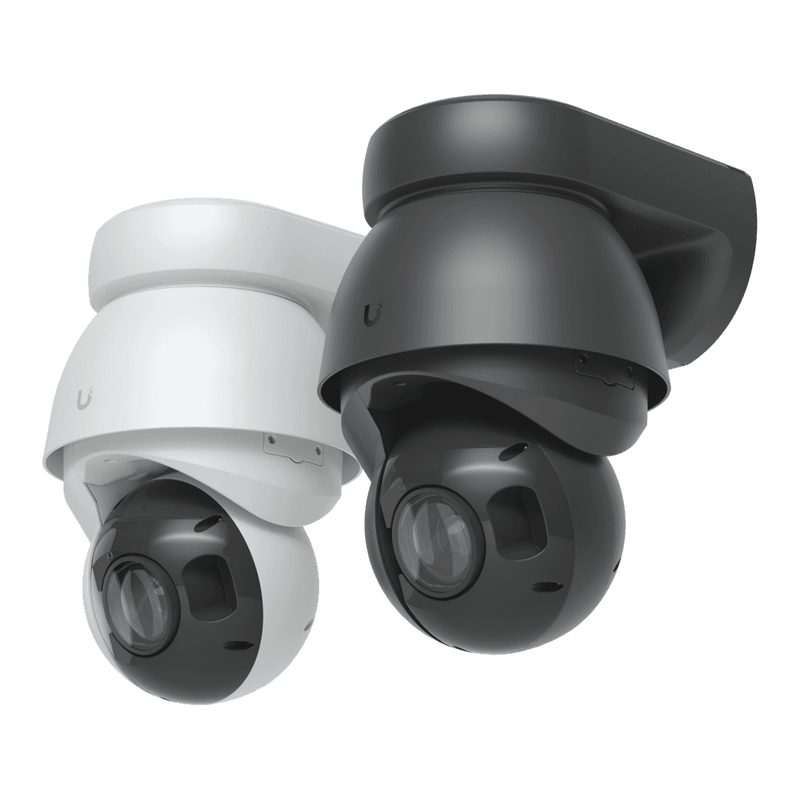
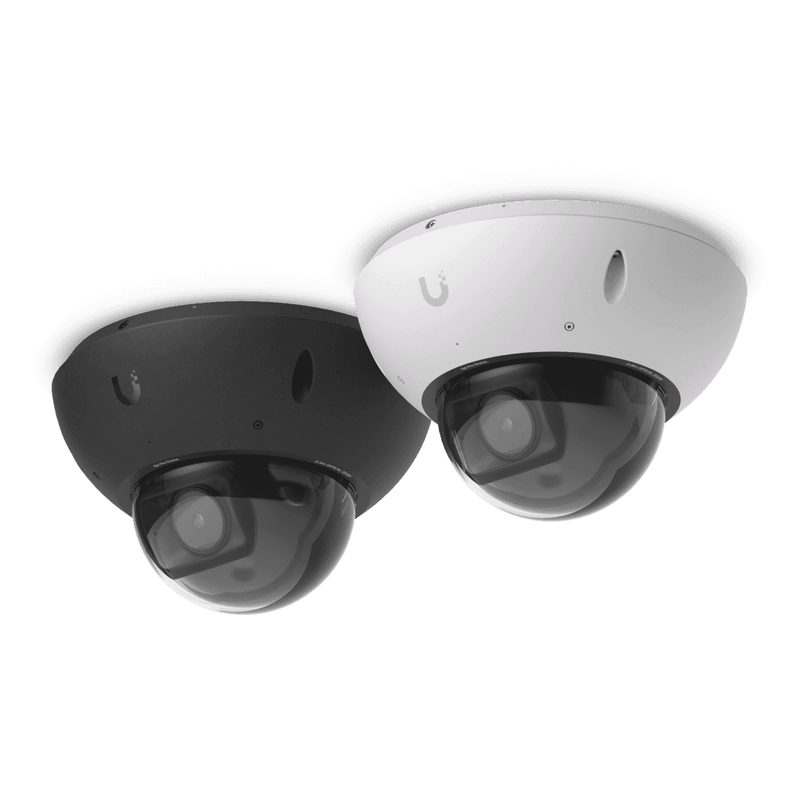
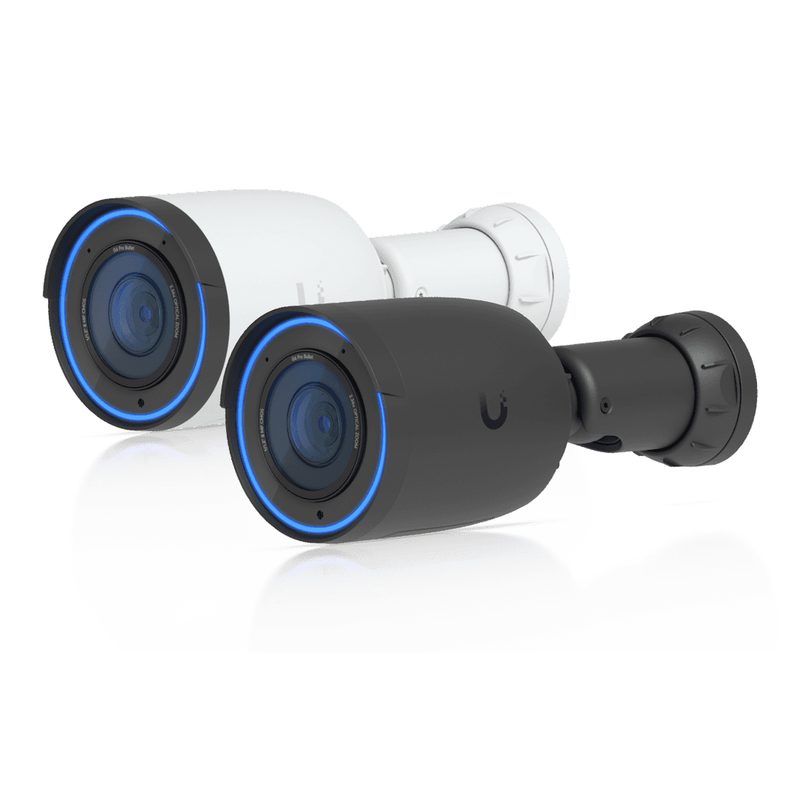
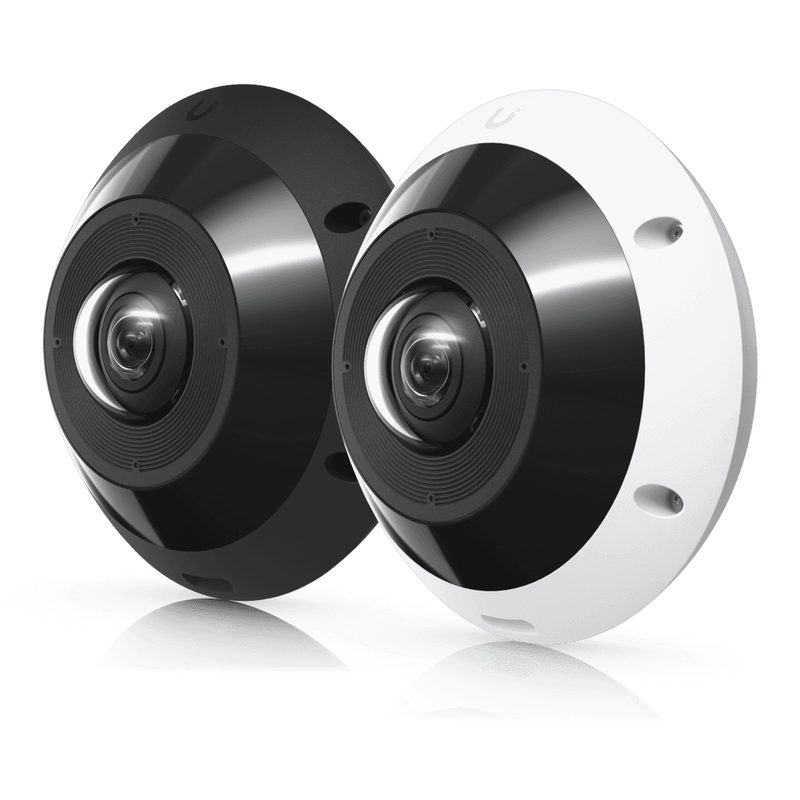
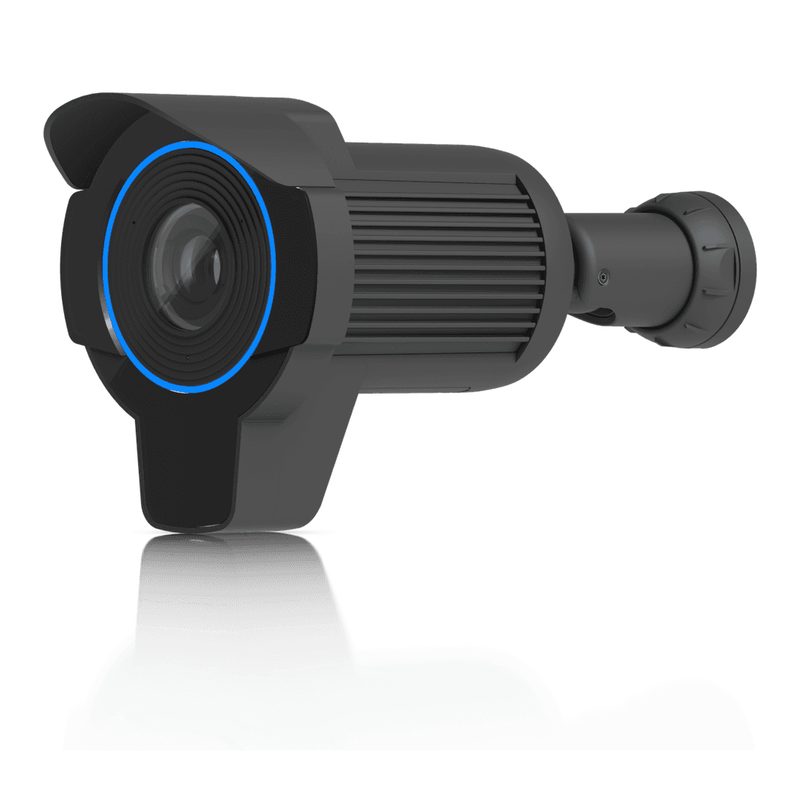
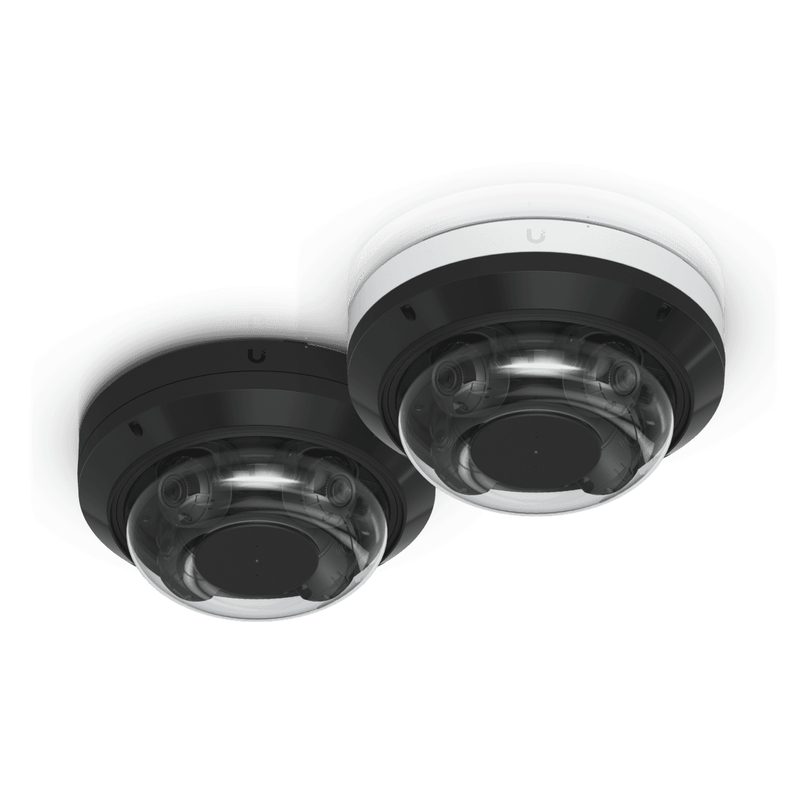
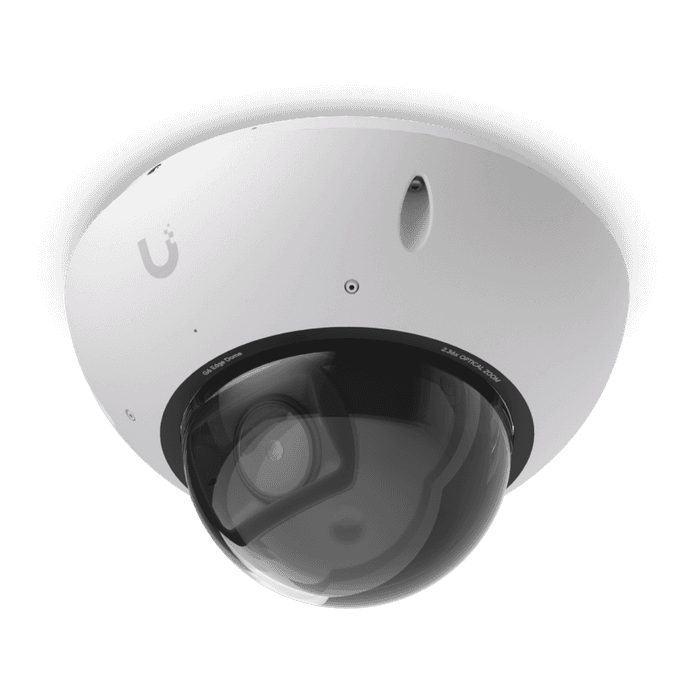
Current IP cameras we install
A sample of what we install. Select an item for its data sheet (PDF).
Thinking about an upgrade? Ask for a site walk. We will look at the cable, the cameras and the recorder, and send a written estimate.
