

UniFi vs. Licensed Enterprise Networks
Where UniFi fits against Meraki, Fortinet and the rest, and where it does not
Enterprise networking from Cisco Meraki, Fortinet and similar vendors is capable equipment, and for some organizations it is the right choice. It is also sold on a model where the hardware is only the first payment. UniFi, from Ubiquiti, takes a different approach: buy the hardware and run it, with no license to keep it working. For a large share of businesses, including companies with many sites, that changes the math.
This guide is written for the owner, operations lead or IT manager weighing the two. It covers how each is paid for, what each does well, and where licensed gear still earns its cost.
The short version
- Licensed enterprise gear is paid for twice: the hardware, then a recurring license for each device.
- With some vendors a lapsed license stops the network. With others the firewall keeps running but its security services and updates stop.
- UniFi runs and is managed without a license, including multi-site management and site-to-site connections.
- Licensed gear still fits where a contract, a regulator or a corporate standard calls for it. For many businesses, UniFi does the job for less over the life of the system.
How enterprise networking is sold
The common model is hardware plus a subscription per device, renewed every one to several years. The subscription covers cloud management, security updates and vendor support. What happens if it lapses depends on the vendor:
- Cisco Meraki. Under its long-standing co-termination licensing, an organization that falls out of compliance gets a 30-day grace period and is then shut down: devices stop passing client traffic until it is licensed again. Meraki's newer subscription licensing keeps traffic flowing after the grace period, so it matters which model an account is on.
- Fortinet. A FortiGate keeps working as a firewall when its subscriptions expire. Services that depend on live updates, such as category web filtering, stop, signature databases stop updating, and firmware upgrades are restricted without a support contract.
- Others. Most enterprise vendors follow one of these two patterns. The details change, so read the terms for the specific product before buying or renewing.
What UniFi offers
No license to keep it running
Gateways, switches and access points work, and are managed, with no recurring license.
Local control, central view
Each site runs on its own gateway. One dashboard shows every site, and the network keeps working if the cloud is unreachable.
Site-to-site without fees
Sites connect to each other with built-in, license-free tunnels, in a hub-and-spoke design that supports up to 1,000 locations.
Security built in
Zone-based firewall, intrusion detection and prevention, and VPN are included. An enhanced threat-signature service is an optional subscription.
A range that reaches the high end
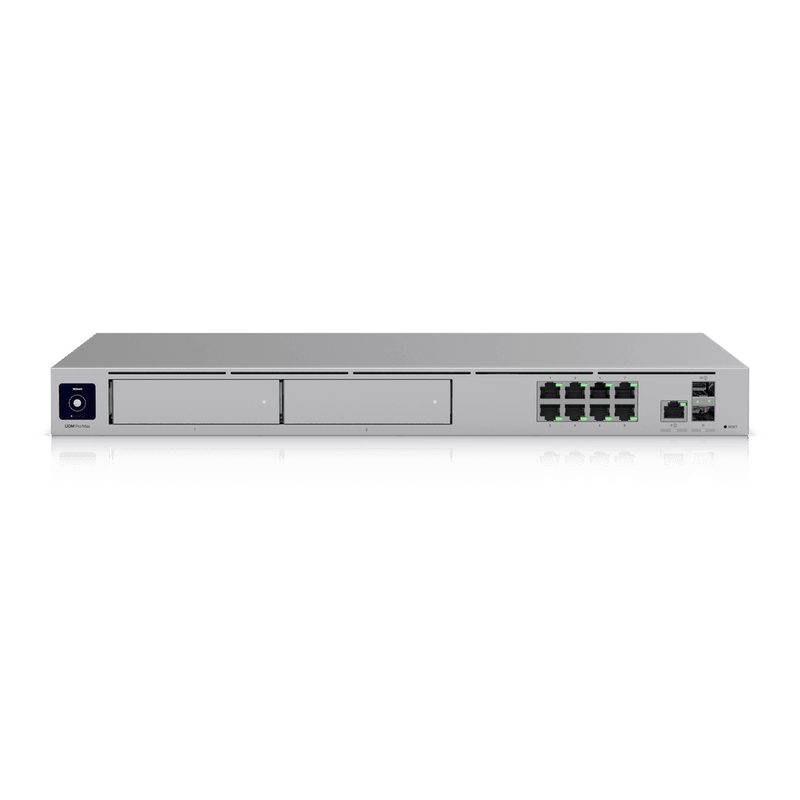
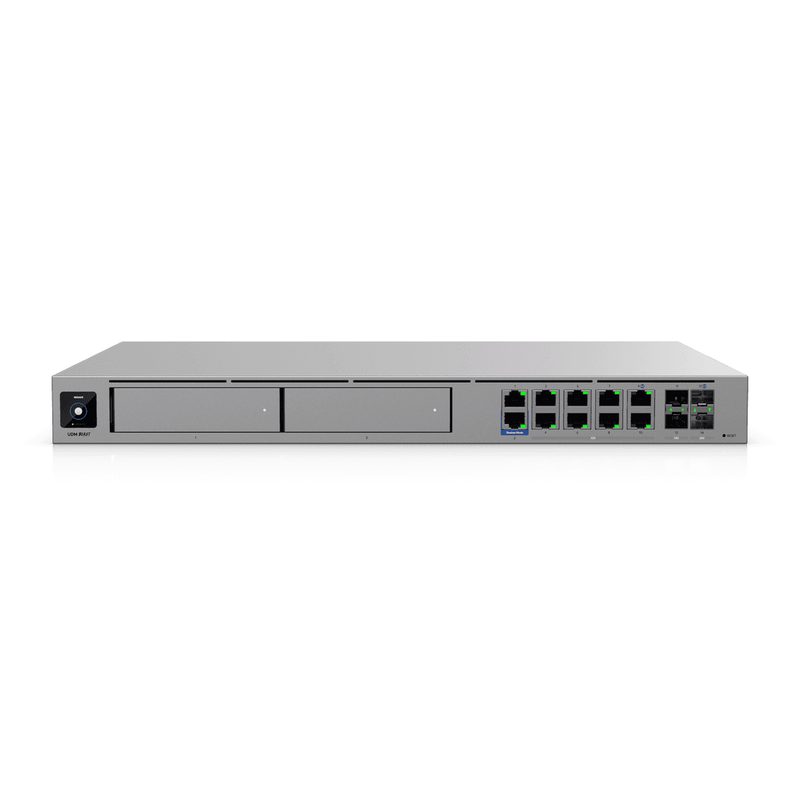
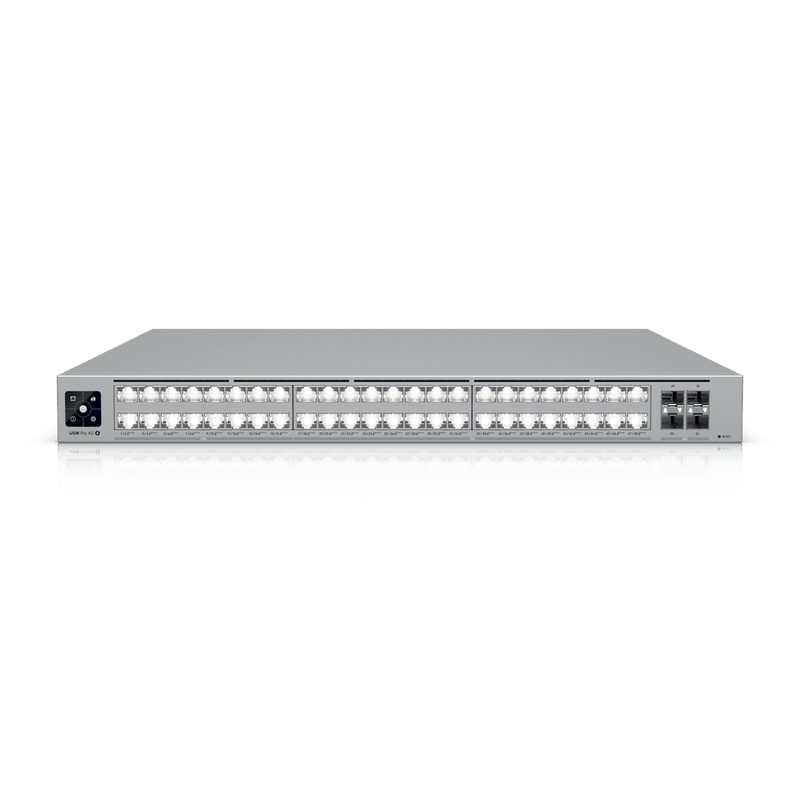
From a compact gateway for 300+ clients to one specified for 25 Gbps intrusion prevention and 7,500+ clients, with 100G aggregation switches.
One platform for more than the network
Cameras, door access, intercoms and digital signage run on the same system and the same sign-in.
Side by side
| Licensed enterprise gear | UniFi | |
|---|---|---|
| Licensing | Recurring, per device | None to run or manage |
| If payments stop | Network stops, or security services and updates stop, depending on vendor | Keeps running and stays manageable |
| Management | Vendor cloud or controller, licensed | Local gateway plus a central dashboard, license-free |
| Multi-site connections | Usually a licensed feature | Included |
| Threat intelligence | Included in the security subscription | Built-in protection; enhanced signatures optional |
| Vendor support | Contracted, often around the clock, with response targets | Standard warranty and support; paid extended coverage on some products |
| Advance hardware replacement | Commonly part of the contract | Not at the same contractual level |
| Cameras and door access | Separate product lines, separately licensed | Same platform |
| Depth of advanced features | Very deep | Covers what most businesses use; fewer niche features |
Where licensed enterprise gear still fits
- A contract or regulator requires a specific certified product, or a named vendor.
- The business needs guaranteed vendor response times and advance hardware replacement written into a contract.
- The network is very large or unusually complex, with advanced access-control or security designs that depend on one vendor's features.
- A parent company or global IT team has standardized on a platform and manages it centrally.
In those cases the license is buying something real. The question is whether your business is using what it pays for.
Where UniFi fits well
- Offices, plants, warehouses, stores and campuses that need reliable switching, Wi-Fi and a capable firewall
- Companies with several sites that want one view of all of them without a per-device fee
- Businesses coming up on a renewal that costs more than the features they use are worth
- Buildings where cameras and door access are going in at the same time as the network
Ubiquiti has also moved quickly. Wi-Fi 7 access points, 10 GbE and 25 GbE switching, larger gateways and multi-site management have all arrived as regular hardware and free software updates.
Moving from licensed gear to UniFi
- Check the renewal date. It sets the timeline. Leave enough time to design and test before it.
- Inventory what is in use. List the firewall rules, VPNs, networks and features that people actually depend on.
- Pilot one site. Prove the design at one location before changing the rest.
- Cut over site by site. The cabling stays. The gateway, switches and access points change, usually outside working hours.
How Smart Life does it
- We design, install and manage UniFi networks for single buildings and for companies with several sites.
- We give you a straight answer on fit. If your requirements point to licensed gear, we will say so.
- We document the existing network before changing it, and plan cutovers around your operation.
- The same team installs the cabling, cameras and door access, so one company is responsible for the result.
Common questions
Does UniFi require a license like Meraki?
No. UniFi network equipment runs and is managed without a license. Optional services, such as an enhanced threat-signature subscription, are available but not required.
What happens when a Meraki license expires?
Under Meraki's co-termination licensing, an organization gets a 30-day grace period and is then shut down, and its devices stop passing client traffic. Meraki's newer subscription licensing handles this differently, so check which model you are on.
Is UniFi suitable for multi-site companies?
Yes, for many of them. Every site is managed from one dashboard, and license-free site-to-site connections are supported for up to 1,000 locations. Companies that need contractual vendor support or specific certifications may still choose licensed gear.
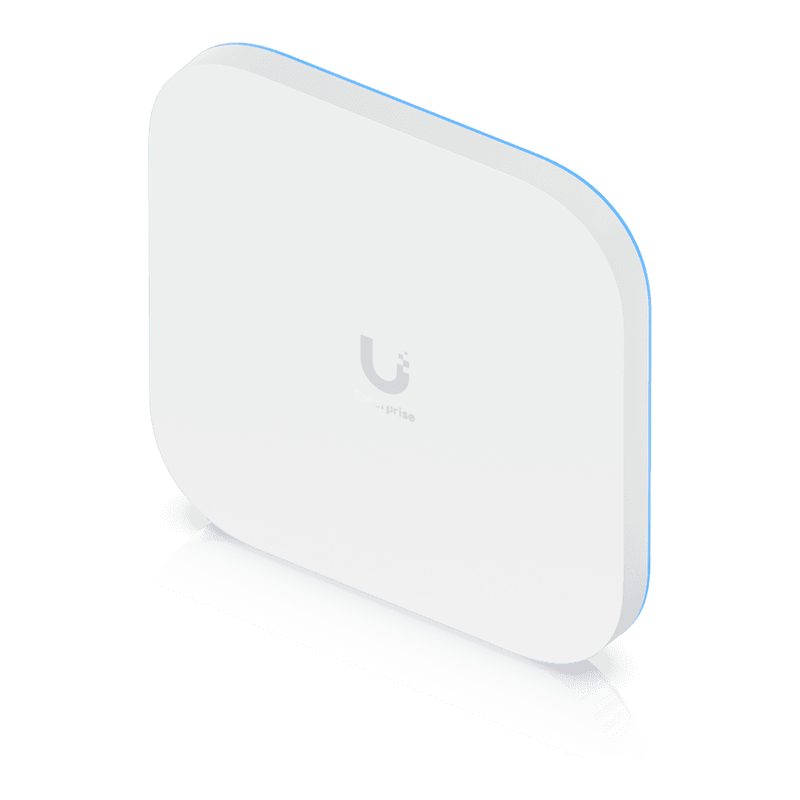
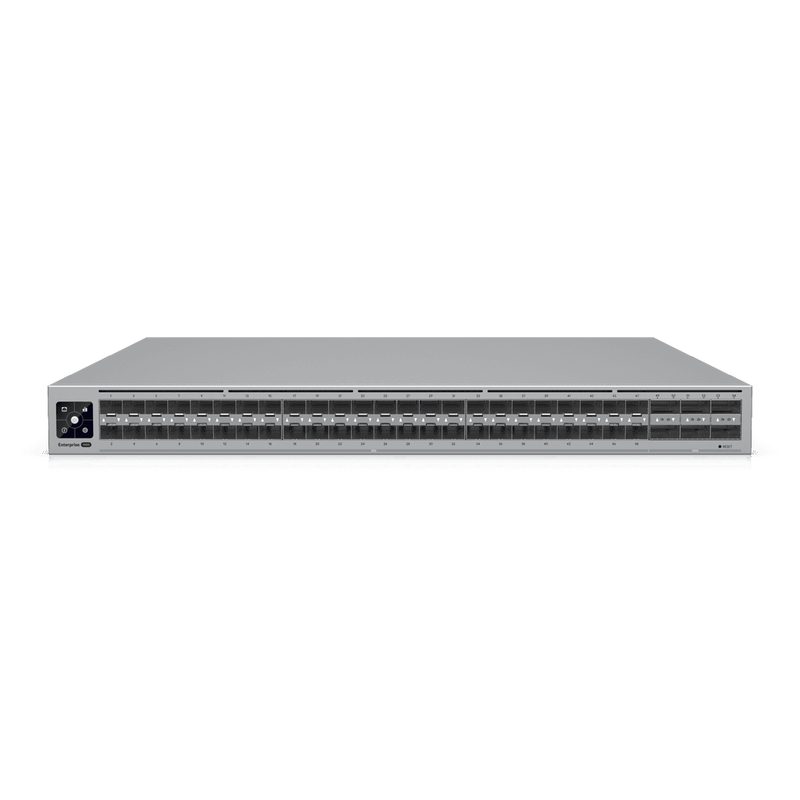
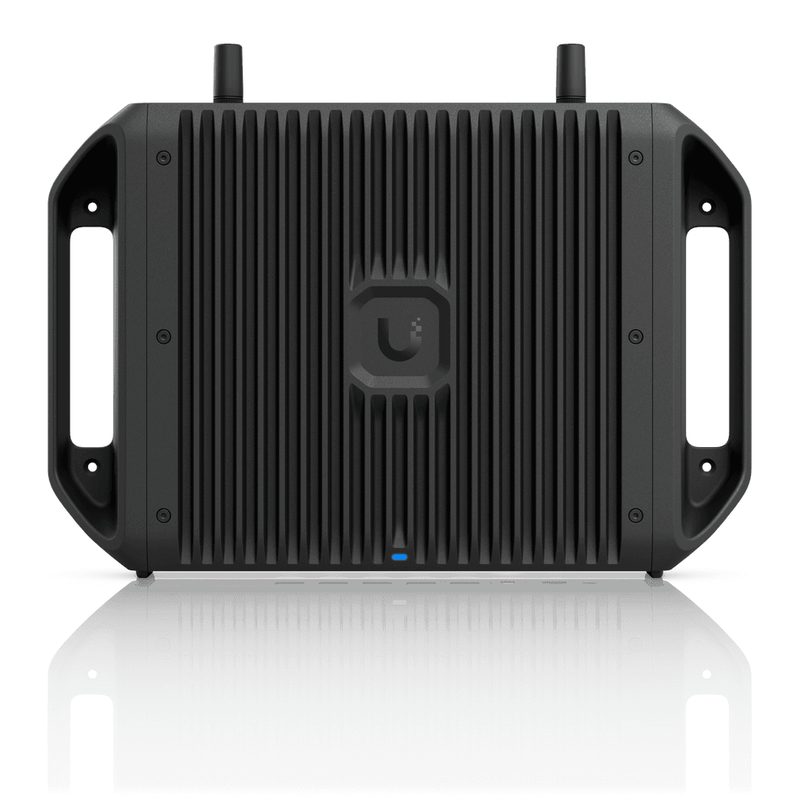
UniFi equipment for larger networks
From the cable and parts we use on our own jobs. Select an item for its data sheet (PDF).
Related reading and services
Read the companion guide, UniFi vs. Store-Bought Routers. See our UniFi work, UniFi Network, network installation and business Wi-Fi.
Facing a license renewal? Send us the device list and the renewal date. We will tell you plainly whether UniFi fits, and what the move would involve.
Talk to us about this
Tell us what you need and where the work is. We will reply with next steps, usually a short call or a visit to the building. Prefer to talk? Call (502) 251-4775, Monday to Friday, 8:00 AM to 5:00 PM ET.
Use the buttons at the top of this box to send a message, pick a time for a call, or book a site visit.
More articles
UniFi vs. Store-Bought Routers
Why a business outgrows the router from the electronics aisle
UniFi vs. store-bought routers and mesh kits (Netgear, TP-Link, Eero, Nest Wifi) for a business: separate networks, coverage, management and cost.
Low-Voltage Cabling, Explained
The foundation under every system in the building
What low-voltage cabling is, why buildings are wired this way, what a structured cabling system includes, and where installations go wrong.
Solid Copper vs. CCA Cable
Why the conductor matters, and how to tell what you are getting
Copper-clad aluminum (CCA) is sold as Cat6 but does not meet the standards for category cable. Why it fails with Power over Ethernet and how to spot it.
Plenum vs. Riser Cable
CMP, CMR and outdoor cable, and which one your building needs
CMP vs. CMR cable explained: what plenum and riser ratings mean, how to tell if your ceiling is a plenum, the substitution rule, and outdoor and burial cable.
