

Low-Voltage Cabling, Explained
The foundation under every system in the building
Almost everything a modern building depends on rides on low-voltage cable: the network, Wi-Fi, phones, security cameras, door access, overhead paging, intercoms and the sensors and controllers behind them. The cable is out of sight above the ceiling and inside the walls, which is why it is easy to underestimate. It is also the one part of the system that is expensive to change later.
This guide explains what low-voltage cabling is, why it has become the way buildings are wired for technology, and what separates an installation that lasts twenty years from one that causes trouble in two.
The short version
- Low-voltage cable carries data and small amounts of power, not building electrical power.
- One cable can now deliver both the connection and the power for a camera, access point, phone or door reader.
- Switches and devices are replaced every several years. The cable is expected to outlast two or three generations of them.
- Most cabling problems come from the wrong cable in the wrong place, or from how it was pulled and terminated. Both are avoidable.
What "low voltage" means
Building power runs at 120 volts and up, in conduit, installed by electricians. Low-voltage systems generally run at 50 volts or less and carry very little current. That covers structured cabling for data (Cat6, Cat6A and fiber), and the cabling for cameras, access control, paging, intercom, audio and alarm devices.
Because the energy involved is small, the cable is smaller, lighter and safer to work around, and it can be routed through ceilings and walls on its own supports. It is still governed by the electrical and fire codes, which is where much of the skill in the trade lies.
Why buildings are wired this way
One cable does two jobs
Power over Ethernet sends data and power down the same cable, so a camera or access point needs no outlet beside it.
It goes where outlets do not
Ceilings, poles, gates, dock doors and the middle of a warehouse are all reachable with a single cable.
Power is centralized
One battery backup in the closet keeps cameras, phones and door readers running through an outage.
Moves are simple
A device can be relocated or added without an electrician, new power or a shutdown.
It is safer
Low voltage and limited current mean far less shock and fire risk than line-voltage wiring.
Everything is standard
The same cable and connector serve a phone today and an access point tomorrow.
What a structured cabling system is
"Structured" means the cabling is laid out to a plan, not run device by device as needs come up. Each work area gets its cables back to a network closet, where they land on a patch panel. Closets are joined to each other with fiber. Everything is labeled at both ends. The result is a system anyone can understand and extend, in place of a tangle only its installer could follow.
| Part | What it is | Why it matters |
|---|---|---|
| Horizontal cable | Cat6 or Cat6A from the closet to each jack or device | Limited to 328 feet (100 m) end to end, patch cords included |
| Backbone | Fiber between closets, floors and buildings | Carries everyone's traffic at once; unaffected by distance or electrical noise |
| Closet | Rack or cabinet, patch panels, switches, battery backup | Where every cable is identified, tested and connected |
| Pathways | J-hooks, cable tray, ladder rack and conduit | Carry the weight so the ceiling grid and the cable itself do not |
| Labels and records | An identifier at the jack and the panel, plus test results where required | Turns a fault from a half-day hunt into a five-minute fix |
Where installations go wrong
The wrong cable for the space
Cable not rated for an air-handling ceiling fails inspection and has to come out.
Cheap conductor
Copper-clad aluminum is sold as a bargain and is not legal category cable.
Runs that are too long
Copper stops at 328 feet. Past that the link is unreliable however good the cable.
Rough handling
Kinks, tight bends and over-tight ties damage the pairs inside without marking the jacket.
Poor support
Cable draped on ceiling tiles, pipes or sprinkler lines is a code problem and gets crushed.
No labels, no testing
The job looks finished and the problems appear months later, one port at a time.
How Smart Life does it
We have installed cabling from Louisville since 2014 for offices, manufacturing plants, warehouses, stores, schools and churches. We contract directly with the business, not as a subcontractor, and the same company that pulls your cable can install the switches, Wi-Fi, cameras, door access and paging that plug into it. That matters because the cabling is designed for the systems it has to carry.
- Every run is planned against the floor plan before cable is ordered.
- We install solid copper cable with the jacket rating the space requires.
- Cable is carried on J-hooks, tray, ladder rack or conduit, not on the ceiling grid.
- Cables are terminated on patch panels in a rack or cabinet that is anchored and has room to grow.
- A service loop is left at the device end so a camera or access point can be moved a few feet later.
- Labeling and testing are done to the level the job calls for, and you get the records.
Common questions
What counts as low-voltage cabling?
Cabling that carries data and small amounts of power, generally 50 volts or less: network cable, fiber, and the cabling for cameras, door access, paging, intercom and alarm devices.
How long can a network cable run?
328 feet (100 meters) from the network closet to the device, patch cords included. Beyond that the answer is another closet or fiber.
How long should cabling last?
Cable is expected to outlast two or three generations of the switches and devices plugged into it, which is why the grade and the installation quality matter.
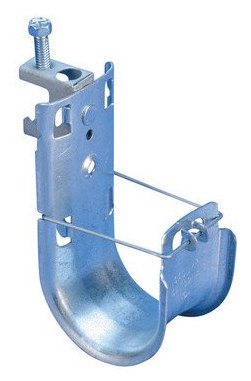
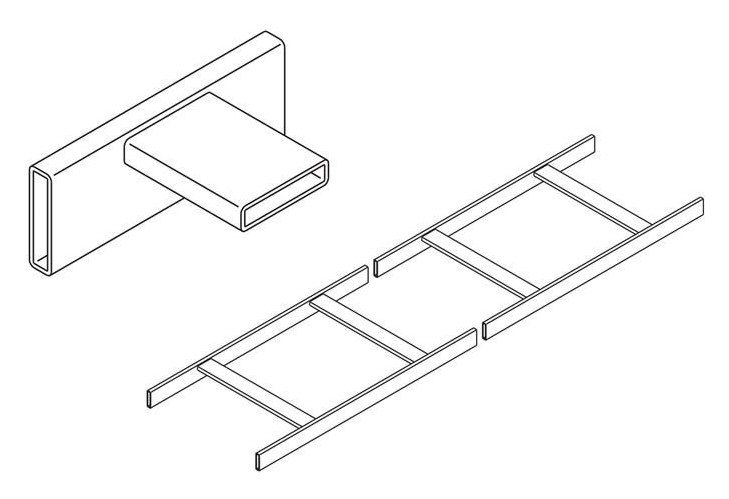
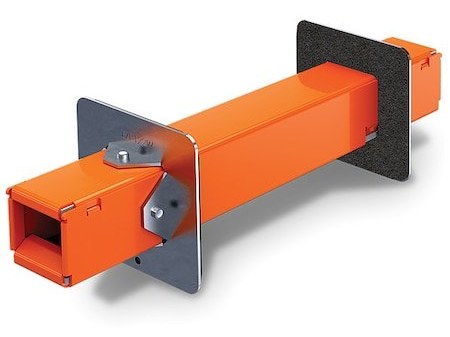
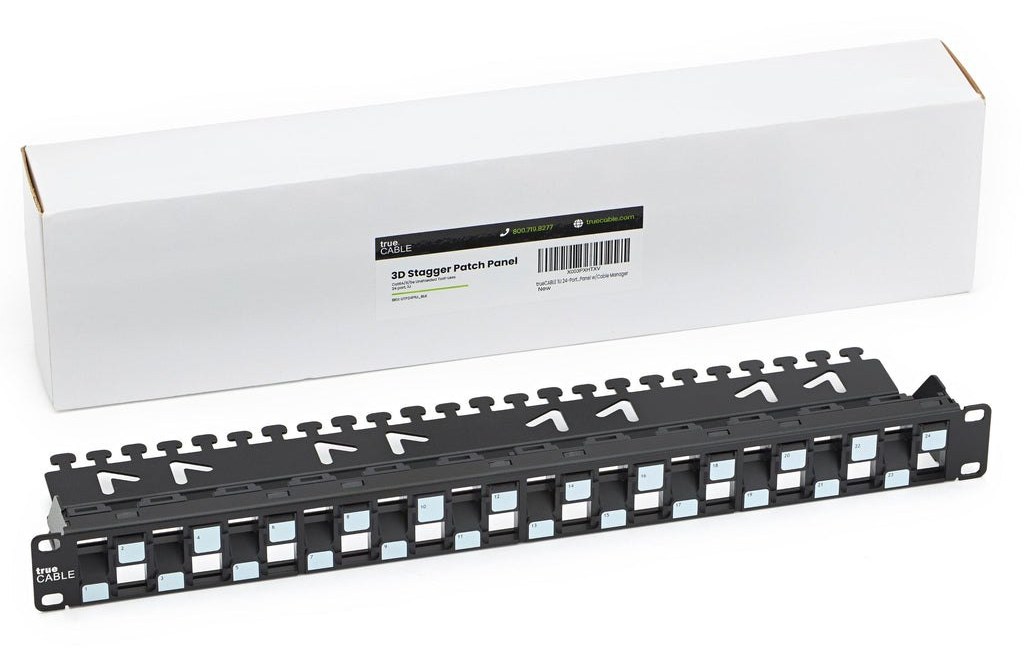
What holds the cable up
From the cable and parts we use on our own jobs. Select an item for its data sheet (PDF).
The cabling series
- Low-Voltage Cabling, Explained (this article)
- Cat6, Cat6A or Fiber?
- Solid Copper vs. CCA Cable
- Plenum vs. Riser Cable
- Power over Ethernet, Explained
- Cabling for 70-Volt Paging and Audio
Related services
See structured cabling, fiber optic cabling, network installation.
Wiring a new space or cleaning up an old one? Send us the floor plan or walk it with us. We will mark what belongs where and give you a written estimate.
Talk to us about this
Tell us what you need and where the work is. We will reply with next steps, usually a short call or a visit to the building. Prefer to talk? Call (502) 251-4775, Monday to Friday, 8:00 AM to 5:00 PM ET.
Use the buttons at the top of this box to send a message, pick a time for a call, or book a site visit.
More articles
Solid Copper vs. CCA Cable
Why the conductor matters, and how to tell what you are getting
Copper-clad aluminum (CCA) is sold as Cat6 but does not meet the standards for category cable. Why it fails with Power over Ethernet and how to spot it.
Plenum vs. Riser Cable
CMP, CMR and outdoor cable, and which one your building needs
CMP vs. CMR cable explained: what plenum and riser ratings mean, how to tell if your ceiling is a plenum, the substitution rule, and outdoor and burial cable.
Power over Ethernet, Explained
What PoE delivers, and what it asks of the cabling
Power over Ethernet explained for a business: PoE, PoE+ and PoE++ wattages, what each powers, why cable quality matters, and how to size a PoE switch.
Cabling for 70-Volt Paging and Audio
How 70-volt systems work, and what to run for them
How 70-volt paging systems work, how to add up speaker taps, which speaker and signal cable to run, plenum ratings for audio cable, and where IP speakers fit.
